The right plugins turn a stock Minecraft server into something special. Whether you are running a small SMP with friends or a public community server, these 20 plugins are the ones worth installing in 2026.
Every plugin on this list works with PaperMC and Spigot — the two most popular server platforms. Most also support Purpur and Folia.
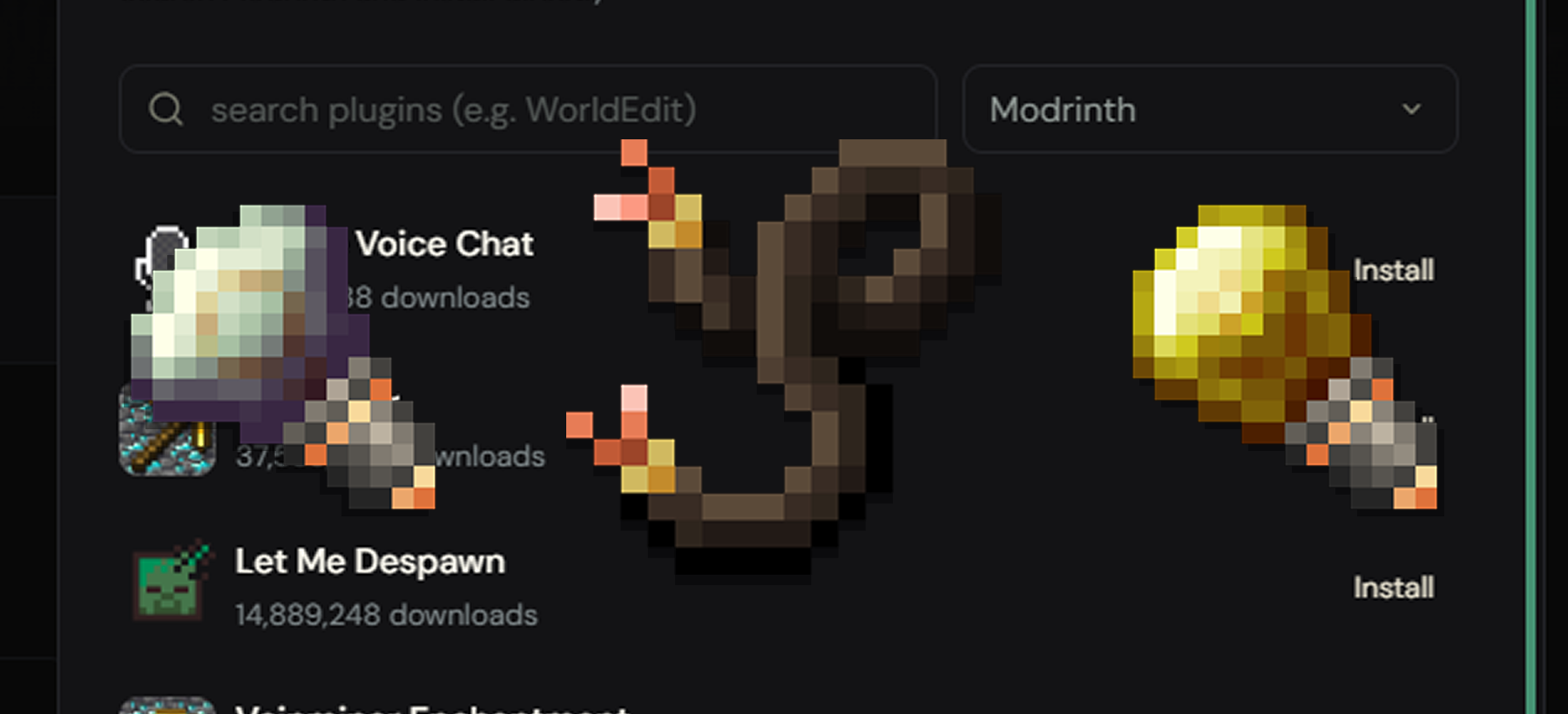
Using Swelis? Click the install link next to any plugin to open it directly in your server's one-click installer. No downloads, no FTP — just search, click, install.
1. EssentialsX
The Swiss Army knife of server plugins. EssentialsX handles homes, warps, teleport requests, private messaging, kits, and basic economy. If you install one plugin, make this the one.
Key features: /home, /tpa, /warp, /msg, /kit, /spawn, economy, signs, mail
Install EssentialsX on your server →
2. LuckPerms
The gold standard for permission management. LuckPerms lets you create groups (Admin, Moderator, Member), assign permissions, and control exactly who can do what. Includes a beautiful web editor.
Key features: Groups, inheritance, per-world permissions, web editor, context-based permissions
Install LuckPerms on your server →
3. Vault
Vault is not a plugin you interact with directly — it is an API that connects economy, permissions, and chat plugins together. Most plugins that deal with money or ranks need Vault installed.
Key features: Economy API, permission API, chat API, plugin interoperability
Install Vault on your server →
4. WorldGuard
Protect regions of your world from griefing, explosions, PvP, or mob spawning. WorldGuard works with WorldEdit to let you select areas and apply flags. Essential for any public or semi-public server.
Key features: Region protection, build flags, PvP zones, mob control, blacklists
Install WorldGuard on your server →

5. WorldEdit
The ultimate building tool. Select regions, copy/paste structures, fill areas, replace blocks in bulk — WorldEdit saves hours of manual work. Invaluable for spawn builds and event arenas.
Key features: //set, //replace, //copy, //paste, brushes, schematics, undo/redo
Install WorldEdit on your server →
6. CoreProtect
Block logging and anti-grief. CoreProtect records every block placement, break, container access, and chat message. When someone griefs a base, you can see exactly who did it and roll it back in seconds.
Key features: Block logging, rollback, restore, container logging, inspect tool
Install CoreProtect on your server →
7. GriefPrevention
Let players protect their own builds without moderator intervention. Players claim land with a golden shovel, and nobody else can build or break in their claim. Self-service grief protection at scale.
Key features: Claim system, golden shovel, trust levels, automatic claim on first chest, anti-spam
Install GriefPrevention on your server →
8. Chunky
Pre-generate your world chunks before players explore them. This eliminates the lag spikes that happen when new chunks load for the first time — one of the biggest performance wins you can get.
Key features: World pre-generation, shape selection (circle/square), progress tracking, pause/resume
Install Chunky on your server →
9. Spark
A performance profiler built for Minecraft servers. Spark shows you exactly what is causing lag — which plugins, which tasks, which game mechanics. It is the first thing to reach for when TPS drops.
Key features: CPU profiling, memory inspection, TPS monitoring, GC analysis, tick reports
Install Spark on your server →
10. DiscordSRV
Bridge your Minecraft server chat with Discord. Messages sent in-game appear in your Discord channel and vice versa. Also supports Discord-based whitelisting, account linking, and console access.
Key features: Chat sync, account linking, Discord commands, console channel, death/join messages
Install DiscordSRV on your server →
11. PlaceholderAPI
Another behind-the-scenes plugin. PlaceholderAPI provides variables like %player_name% or %server_online% that other plugins use in scoreboards, tab lists, chat formats, and holograms. Most customization plugins require it.
Key features: 200+ expansion packs, universal placeholder format, developer API
Install PlaceholderAPI on your server →
12. TAB
Customize the player tab list (the screen you see when pressing Tab). Add headers, footers, prefixes, suffixes, and sorting by rank. Makes your server look polished and professional.
Key features: Tab list formatting, name tags, scoreboard, per-world settings, BossBar
13. BlueMap
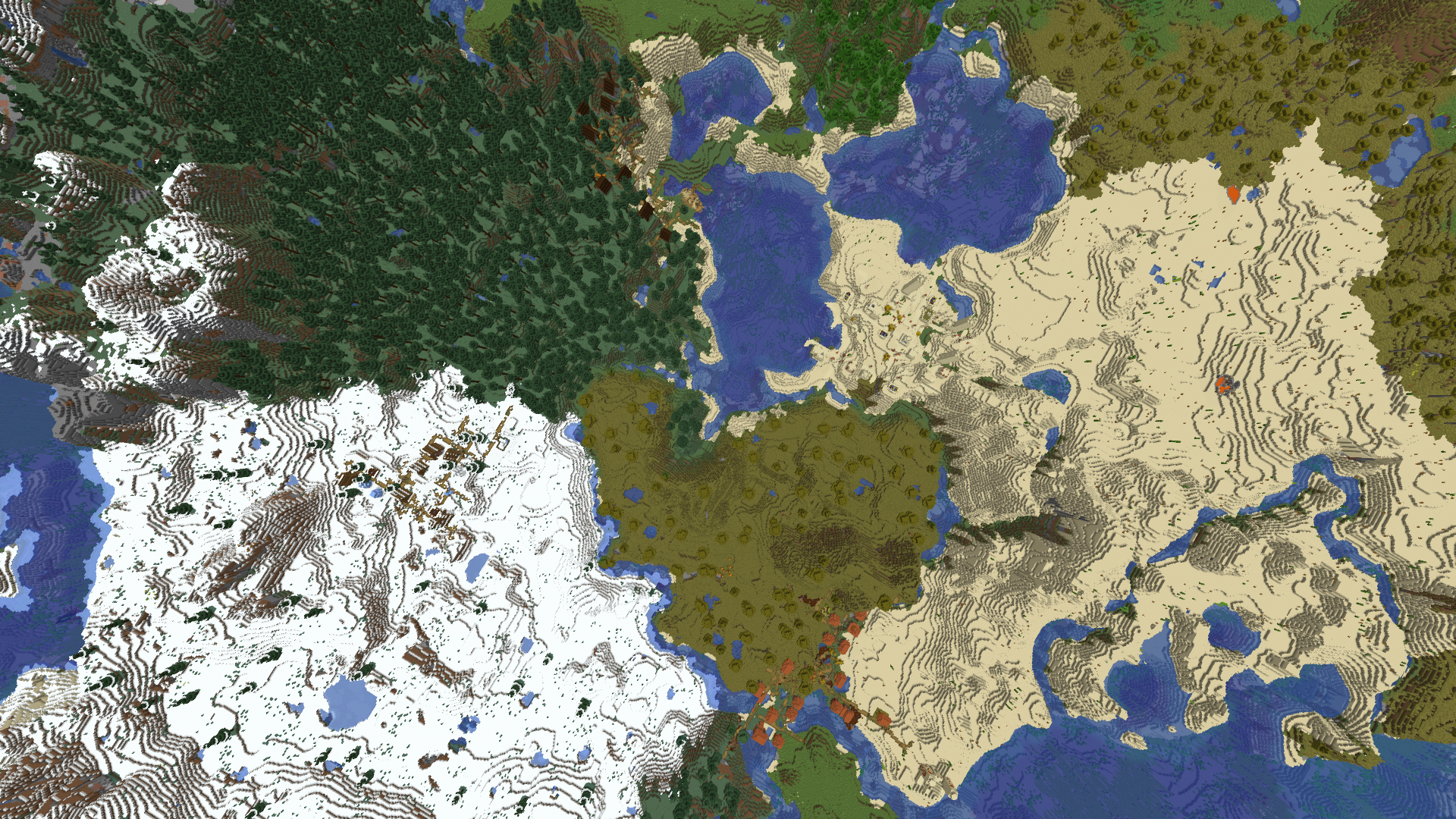
Generate a beautiful, interactive 3D web map of your Minecraft world. Players can explore the map in their browser, see markers, and navigate builds. A huge community engagement tool.
Key features: 3D web map, live player positions, markers, cave view, resource pack support
Install BlueMap on your server →
14. ViaVersion
Let players on newer Minecraft versions join your older server (or vice versa). ViaVersion handles protocol translation so you do not have to update your server the second a new Minecraft version drops.
Key features: Cross-version support, protocol translation, backwards compatibility
Install ViaVersion on your server →

15. GeyserMC
Allow Bedrock Edition players (mobile, console, Windows 10) to join your Java Edition server. No separate server needed — Geyser translates protocols on the fly.
Key features: Bedrock cross-play, form-based UI translation, resource pack conversion
Install GeyserMC on your server →
On Swelis, you can also enable Bedrock support directly from the Minecraft tab with a single toggle.
16. Floodgate
The companion to GeyserMC. Floodgate lets Bedrock players join without needing a Java account. Bedrock players get a . prefix (configurable) and can play alongside Java players seamlessly.
Key features: No Java account required for Bedrock players, prefix system, Bedrock skin support
Install Floodgate on your server →
17. Citizens
Create custom NPCs that stand, walk, talk, and interact with players. Use them for quest givers, shopkeepers, guides, or just decoration. Works with Denizen for advanced scripting.
Key features: Custom NPCs, pathfinding, skins, interaction events, Denizen integration
Install Citizens on your server →
18. mcMMO
Add RPG-style skill leveling to your server. Players level up skills like Mining, Swords, Herbalism, and Fishing as they play — unlocking abilities and perks. Great for keeping players engaged long-term.
Key features: 15+ skills, leveling system, abilities, leaderboards, party system
Install mcMMO on your server →
19. LiteBans
A lightweight, cross-server ban management plugin. LiteBans supports bans, mutes, warns, kicks, and IP bans with durations. Stores everything in a database so bans persist across restarts and network servers.
Key features: Bans, mutes, warns, kicks, IP bans, duration support, web interface, database storage
Install LiteBans on your server →
20. Simple Voice Chat
Add proximity voice chat to your server. Players can talk to nearby players using their microphone — no external app needed. Supports groups, whispering, and distance-based volume falloff.
Key features: Proximity voice chat, groups, whispering, in-game microphone UI, configurable range
Install Simple Voice Chat on your server →
Quick Install Table
| # | Plugin | Category | Install |
|---|---|---|---|
| 1 | EssentialsX | Core / Utility | Install → |
| 2 | LuckPerms | Permissions | Install → |
| 3 | Vault | API / Economy | Install → |
| 4 | WorldGuard | Protection | Install → |
| 5 | WorldEdit | Building | Install → |
| 6 | CoreProtect | Anti-Grief | Install → |
| 7 | GriefPrevention | Protection | Install → |
| 8 | Chunky | Performance | Install → |
| 9 | Spark | Performance | Install → |
| 10 | DiscordSRV | Integration | Install → |
| 11 | PlaceholderAPI | API | Install → |
| 12 | TAB | Cosmetic | Install → |
| 13 | BlueMap | Web Map | Install → |
| 14 | ViaVersion | Compatibility | Install → |
| 15 | GeyserMC | Cross-Play | Install → |
| 16 | Floodgate | Cross-Play | Install → |
| 17 | Citizens | NPCs | Install → |
| 18 | mcMMO | RPG | Install → |
| 19 | LiteBans | Moderation | Install → |
| 20 | Simple Voice Chat | Voice | Install → |
How One-Click Install Works
If you are hosting with Swelis, every "Install" link above takes you straight to your server's plugin panel with the search pre-filled. From there:
- Click the plugin in the search results
- Hit Install
- Restart your server
No downloading JARs, no FTP uploads, no version compatibility guessing. The installer handles everything — it finds the right version for your server and drops it into your plugins folder automatically.
Do not have a server yet? Create one in under 2 minutes →
Related Guides
- How to Set Up Your First Minecraft Server in Under 2 Minutes — the quickest way to get started
- How to Make a Minecraft SMP Server in 2026 — plugins, permissions, and community setup
- How to Fix Minecraft Server Lag — optimize performance after installing plugins
- One-Click Modpack Install — install full modpacks the same way
- Creative Sync — give your build team a creative playground
- Minecraft Server Console Commands Cheat Sheet — every command you need, organized by category